Programming Foundations
This unit introduces how computer programs work and how logic is structured.
The ideas in this unit support: - AS92004 – Programming - all later work in game development (AS92005)
Programming is not about memorising code.
It is about thinking clearly and logically.
What Is a Computer Program?
A computer program is a set of instructions that tells a computer: - what to do - when to do it - how to respond to input
Computers do not "understand intent".
They follow instructions exactly as written.
Recommended Video Resource
Introduction to Programming and Computer Science - Full Course (freeCodeCamp.org)
https://www.youtube.com/watch?v=zOjov-2OZ0E
The Input–Process–Output Model

Most programs can be described using three stages:
- Input – data the program receives
- Process – logic that works on the data
- Output – the result produced
Figure 1 – Input–Process–Output model
flowchart LR
    A[Programming Foundations] --> B[Game Development]
    B --> C[Development Process]
    C --> D[Reflection & Analysis]
This model applies to: - calculators - games - websites - apps - simulations
Program Structure
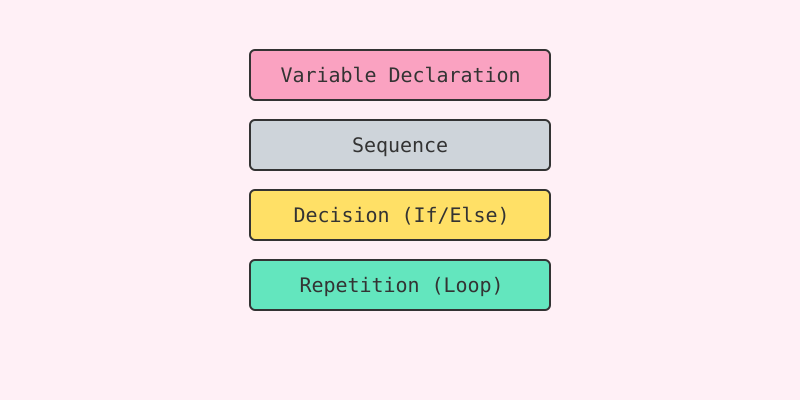
Programs are written as a sequence of instructions.
Common structural elements include: - variables (to store data) - instructions (to perform actions) - decisions (to choose between paths) - repetition (to repeat actions)
Figure 2 – Basic program structure
flowchart LR
    Input --> Process --> Output
Good structure makes programs: - easier to understand - easier to test - easier to fix
Recommended Video Resource
Learn to Program with Python - Problem Solving Approach (Derek Banas)
https://www.youtube.com/watch?v=nwjAoZNE56Q
Why Structure Matters
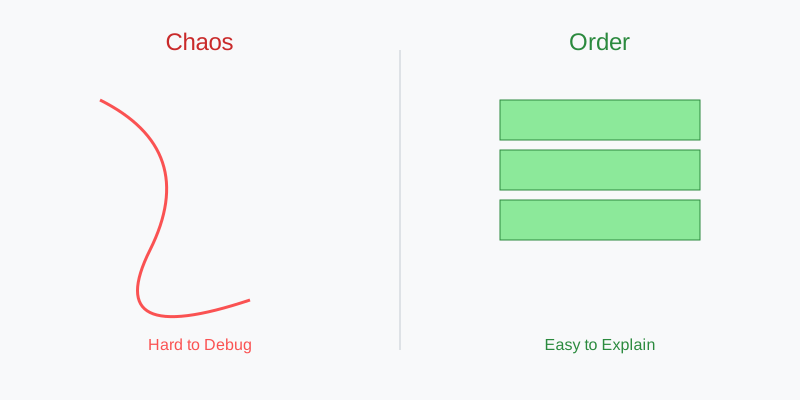
Poorly structured programs: - are hard to debug - behave unpredictably - are difficult to explain
Well-structured programs: - show clear thinking - make logic visible - are easier to verify in assessment
In assessment, clarity beats cleverness.
Key Expectations for This Unit
By the end of this unit, you should be able to: - explain how a program works - describe the logic used in your code - identify where decisions and repetition occur - test your program and explain fixes
These expectations are explicitly assessed in AS92004.
Recommended Video Resource
Comprehensive Java Programming Tutorial (Derek Banas)
https://www.youtube.com/watch?v=eIrMbAQSU34
Summary

Looking Ahead
The ideas in this unit will be reused when you: - control player movement in a game - manage game states (start, play, end) - handle scoring and conditions - debug game behaviour
Programming foundations are not optional – they are reused all year.
End of Programming Foundations overview