Task #3: Pixel Art
Follow the tutorials and make some game assets using Piskel. Art is easy, but good art is really hard. Get some practice and learn how to do it right.
When you're done, fill out the learning reflection and hand it in.
Making Art in Piskel
You are ready to now learn the Basics of Piskel. Follow this tutorial series to learn the basics and then practice making some art of your own. Try making one of each of the following categories of game assets. Some ideas are given for you but you can imagine your own.
Try making your pixel art in different sizes, typical sizes are 8, 16, 24, 32, 48, 64px. If you make a background use 480x270px instead. You can change the size of your canvas by clicking the Resize button on the right hand side of the editor.

Some ideas on what to create:
- A dinosaur
- Mario
- Knight
- Sheep
- Rubber Duck
- Wizard
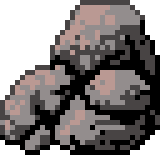
Some ideas on what to create:
- Trees
- Rocks
- Bushes
- Grass tiles
- Water tiles
- Buildings
- Fences
- Signs
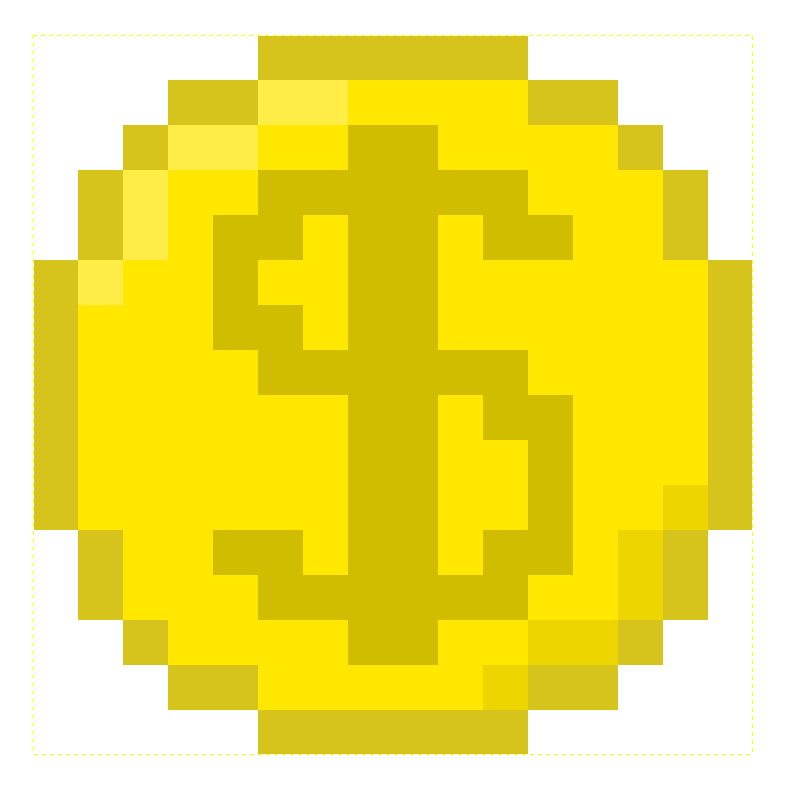
Some ideas on what to create:
- Weapons
- Potions
- Coins
- Keys
- Chests
- Treasure
- Food items
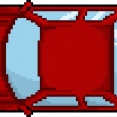
Some ideas on what to create:
- Cars
- Bicycles
- Boats
- Airplanes
- Spaceships
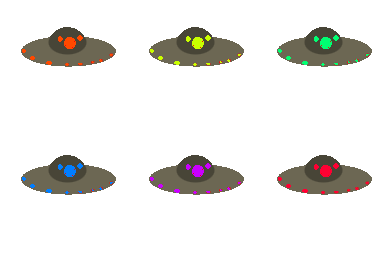
Some ideas on what to create:
- Opening/closing doors
- Moving platforms
- Water ripples
- Swinging pendulums
- Moving conveyor belts
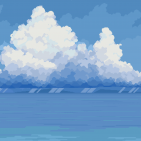
Some ideas on what to create:
- Daytime sky
- Night sky
- Sunrise/sunset
- Interior scenes
- Outdoor scenes
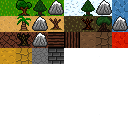
Some ideas on what to create:
- Grassland
- Desert
- Snowy landscape
- Dungeon
- Urban cityscape
- Underwater world

Some ideas on what to create:
- Villagers
- Enemies
- Animals
- Monsters
- Quest givers
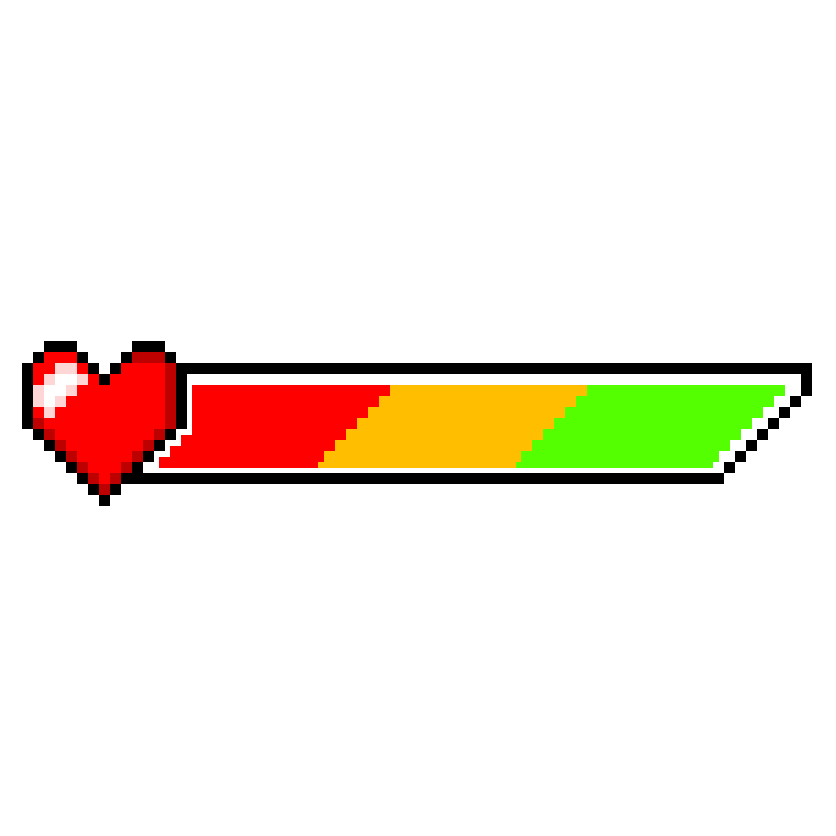
Some ideas on what to create:
- Health bar
- Mana bar
- Inventory icons
- Buttons
- Menu screens
- Dialogue boxes
- Icons for abilities or actions
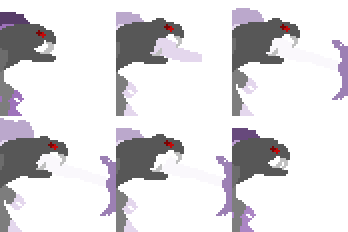
Some ideas on what to create:
- Fire
- Smoke
- Explosions
- Magic spells
- Weather effects (rain, snow)
- Damage indicators
- Power-up effects
Learning Reflection
Link to the Teams assignment:
Head over to Teams and fill out a learning reflection.